How to reset a tripped safety switch
If the safety switch (RCD) in your switchboard keeps tripping, this may be caused by either a fixture or fitting in the property, or one of your own appliances. To help identify the cause, please follow these steps:
Step 1 — Unplug ALL of your personal appliances from every power point throughout the property (this includes phone chargers, lamps, TVs, kettles, toasters, hair dryers, extension leads, etc.).
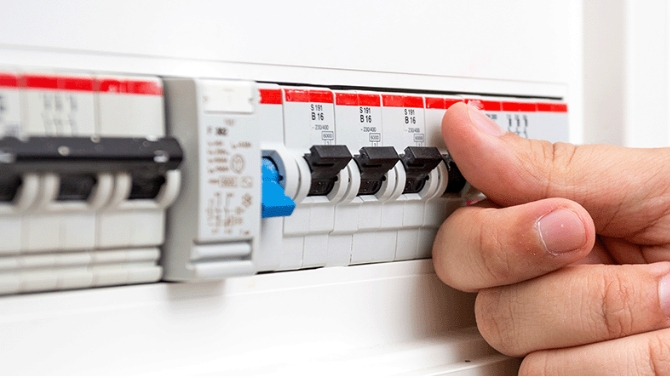
Step 2 — Reset the safety switch by flicking it back to the ON position.
Step 3 — If the safety switch holds and does NOT trip again, plug your appliances back in one at a time, waiting a few moments between each. The appliance that causes the switch to trip again is the fault — please discontinue use of that appliance and arrange for it to be inspected or replaced.
Step 4 — If the safety switch continues to trip with ALL of your appliances unplugged, this may indicate a fault with a fixture or fitting within the property. Please let us know straight away and we will arrange for an electrician to attend.
Please note: A faulty personal appliance is the responsibility of the renter and would not be covered under a property maintenance callout.