What to check first if the oven isn’t working
If your oven does not appear to be turning on or heating up, this is very commonly caused by the oven’s clock or timer not being set correctly rather than a fault with the appliance itself. Many ovens will not operate at all until the clock has been programmed, particularly after a power outage or interruption. Please work through the following steps before a technician is called:
Set the Clock — Check whether the display on your oven is flashing or showing “0:00” or “12:00.” If so, the clock will need to be set before the oven will function. Refer to the oven’s instruction manual for the specific steps to set the clock on your model. If you don’t have the manual, a quick Google search of the oven’s make and model followed by “how to set clock” will bring up the relevant instructions, and YouTube tutorial videos are also a great resource for visual step-by-step guidance.
Check the Timer/Auto Mode — Some ovens have an auto or manual cook mode setting. If the oven has been accidentally switched to auto mode, it will not heat up unless the timer has been programmed to do so. Ensure the oven is set to manual mode before attempting to use it. Again, your instruction manual or a quick online search will guide you through this for your specific model.
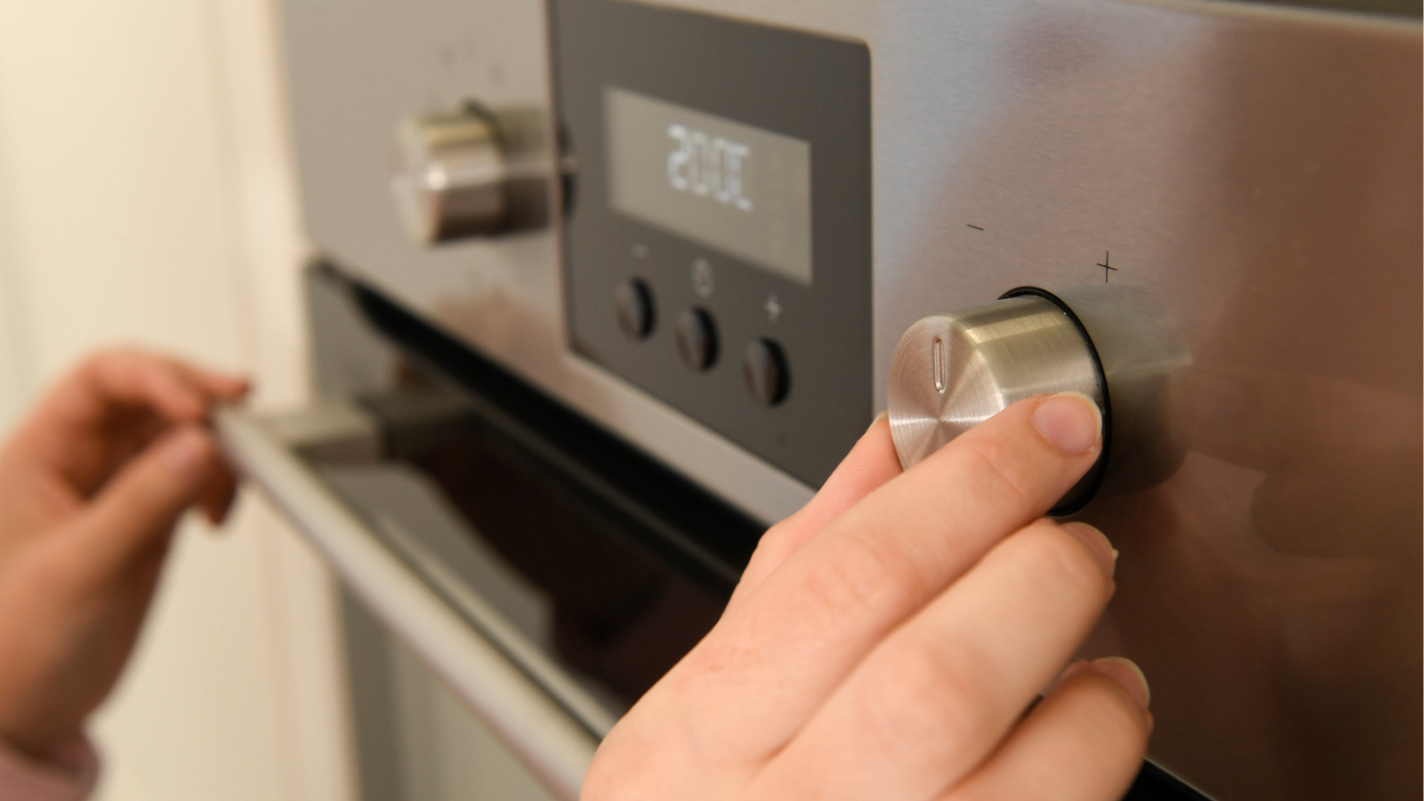
Check the Settings — Ensure the correct function has been selected on the dial or display (e.g. conventional bake, fan forced, grill) and that the temperature has been set. Some ovens require both a function and a temperature to be selected before they will begin heating.
Check the Power — Ensure the oven is switched on at the wall or at the isolator switch if one is present. Also check that no safety switches have been tripped at your switchboard (refer to the safety switch troubleshooting steps above).
If the oven is still not heating after working through all of the above steps, please contact our office and we will arrange for a qualified technician to attend.